
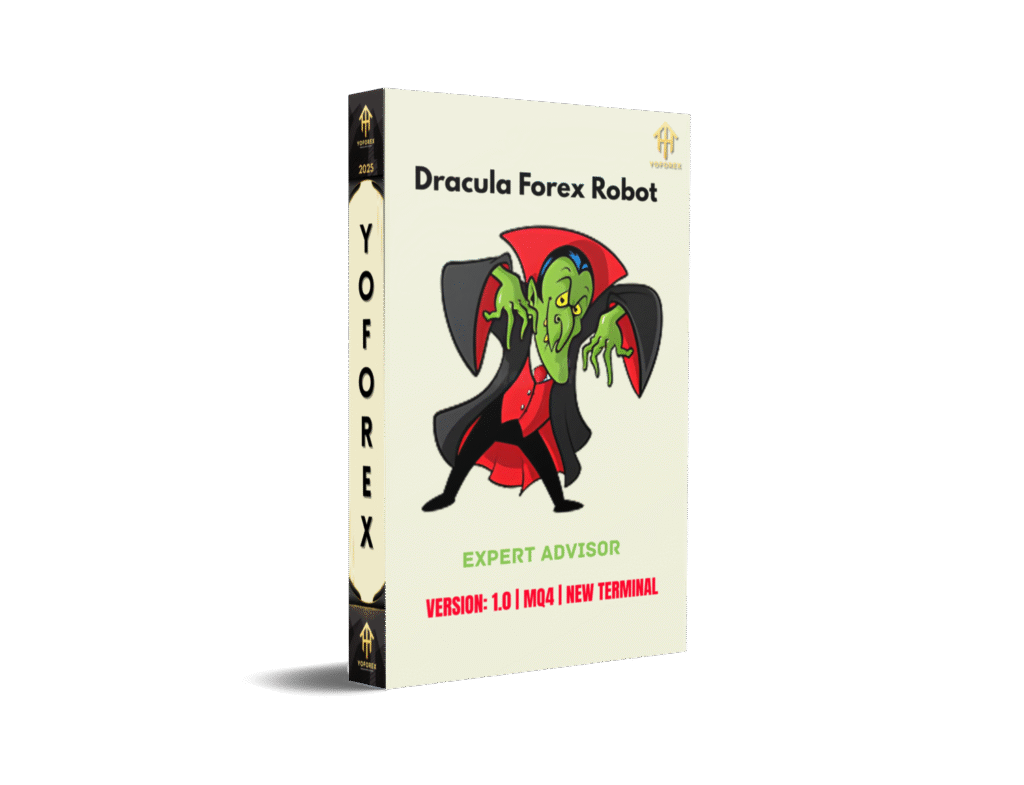
Dracula Forex Robot with setfile EA V1.0 MQ4 for MetaTrader 5: A Comprehensive Guide
In the dynamic world of forex trading, automation has become a game-changer, offering traders the ability to execute strategies with precision and efficiency. Among the many expert advisors (EAs) available, the Dracula Forex Robot EA V1.0 for MetaTrader 5 (MT5) stands out as a robust tool designed for traders seeking a reliable, automated trading solution. This blog post explores the features, functionality, recommended settings, and performance potential of the Dracula EA, with a focus on its compatibility with MetaTrader 5 and its recommended currency pairs for trading, including EURCHF, USDCHF, EURGBP, GBPUSD, EURUSD, and additional pairs like CADCHF, AUDCAD, EURCAD, GBPCHF, AUDUSD, AUDCHF, and NZDCHF.
What is Dracula Forex Robot EA V1.0?
The Dracula Forex Robot EA V1.0 is a fully automated trading system designed to operate on the MetaTrader 5 platform, a popular choice among forex traders for its advanced charting tools, flexibility, and support for automated trading. Unlike many EAs that rely on high-risk strategies such as grid trading, martingale, or position averaging, Dracula EA employs a disciplined approach, using a combination of limit orders and market trading. It incorporates fixed Stop Loss and Take Profit levels to manage risk effectively, making it suitable for both novice and experienced traders. Developed by Anatoliy Lukanin, this EA is tailored for traders who value customization and risk management, offering a range of parameters to fine-tune trading strategies.
Key Features of Dracula Forex Robot EA V1.0
- Non-Risky Trading Strategy: Dracula EA avoids high-risk methods like martingale or grid trading. Instead, it focuses on a calm market environment, typically at the end of the American trading session, to execute trades with fixed Stop Loss and Take Profit levels. This approach minimizes exposure to volatile market conditions and helps protect account balances.
- Dynamic Lot Sizing: The EA supports both fixed and dynamic lot sizing, allowing traders to adjust risk based on their account size and trading goals. For instance, traders can choose to increment lot sizes statically or dynamically, tailoring the EA to their risk tolerance.
- Virtual and Real Stop Losses: To combat issues like dynamic spread interference, Dracula EA uses virtual Stop Losses alongside real ones. This dual approach ensures positions are closed appropriately, even in unpredictable market conditions.
- Customizable Parameters: The EA offers extensive customization options, including risk management settings, lot increment methods, and input signal optimization (ranging from 1.0 to 2.0). Traders can also adjust trailing profit signals to optimize trade exits.
- H4 Timeframe Optimization: The EA performs best on the H4 (4-hour) chart timeframe, which balances responsiveness to market movements with reduced noise compared to lower timeframes. This makes it ideal for traders who prefer medium-term strategies.
- ECN Account Compatibility: Dracula EA is optimized for ECN or ECN Pro accounts with five-digit quotes and moderate spreads. This ensures efficient trade execution and minimizes slippage, enhancing overall performance.
- VPS and Connectivity Requirements: For uninterrupted trading, the EA recommends using a Virtual Private Server (VPS) or a reliable internet connection. This ensures constant communication with the broker, which is critical for automated trading systems.
Recommended Currency Pairs
The Dracula EA is designed to trade a carefully selected set of currency pairs, with a primary focus on major pairs known for their liquidity and stability. The recommended pairs include:
- EURCHF: A low-volatility pair ideal for stable, predictable trading.
- USDCHF: Known for its tight spreads and consistent price movements.
- EURGBP: A pair with moderate volatility, suitable for trend-following strategies.
- GBPUSD: A highly liquid pair with significant price movements, offering opportunities for profit.
- EURUSD: The most traded forex pair, known for its liquidity and tight spreads.
For traders seeking diversification, the EA also supports additional pairs such as:
- CADCHF: A cross pair with moderate volatility.
- AUDCAD: Offers opportunities in the commodity currency space.
- EURCAD: Combines major and commodity currencies for balanced trading.
- GBPCHF: A pair with higher volatility, suitable for experienced traders.
- AUDUSD: A popular pair tied to commodity price movements.
- AUDCHF: A less volatile cross pair for diversified trading.
- NZDCHF: Another cross pair with potential for steady returns.
These pairs can be traded with default settings, but optimization for specific brokers is possible to enhance performance. Traders are advised to test these pairs thoroughly using historical data with at least 90% simulation quality before deploying the EA on a live account.
Setting Up Dracula EA on MetaTrader 5
To maximize the effectiveness of the Dracula Forex Robot EA V1.0 on MT5, a proper setup is essential. Here’s a step-by-step guide:
- Download and Install: Purchase or download the Dracula EA from a trusted source, such as the MQL5 Market. Ensure you have the MQ4 file converted or compatible with MT5, as MT5 uses MQL5 language. Some providers offer pre-compiled versions for MT5.
- Account Requirements: Use an ECN or ECN Pro account with a broker offering five-digit quotes and moderate spreads. A minimum deposit of 100 units is recommended for trading a single pair, while 50-100 units per pair is suggested for multiple pairs on one account.
- Historical Data: Before testing or live trading, download high-quality historical data for the chosen currency pairs. The EA requires at least 90% simulation quality for accurate backtesting.
- VPS Setup: To ensure uninterrupted trading, configure the EA on a VPS or ensure a stable internet connection. This prevents disruptions due to connectivity issues.
- Parameter Configuration: Adjust the EA’s parameters based on your risk tolerance and trading goals. Key settings include:
- USING: Choose between trading risk and fixed lot size.
- RISK/LOT: Set the risk level or fixed lot size.
- RESTORING_THE_BALANCE: Enable balance restoration after drawdowns.
- TAKE_PROFIT and STOP_LOSS: Define profit and loss levels.
- INPUT_SIGNAL: Optimize signal settings (1.0 to 2.0).
- SIGNAL_TRAILING_TAKE_PROFIT: Adjust trailing profit settings (- 0.5 to 1.0).
- Testing and Optimization: Conduct thorough backtesting using MT5’s strategy tester. Optimize parameters for your broker’s conditions, focusing on the H4 timeframe for best results.
Performance and Risk Management
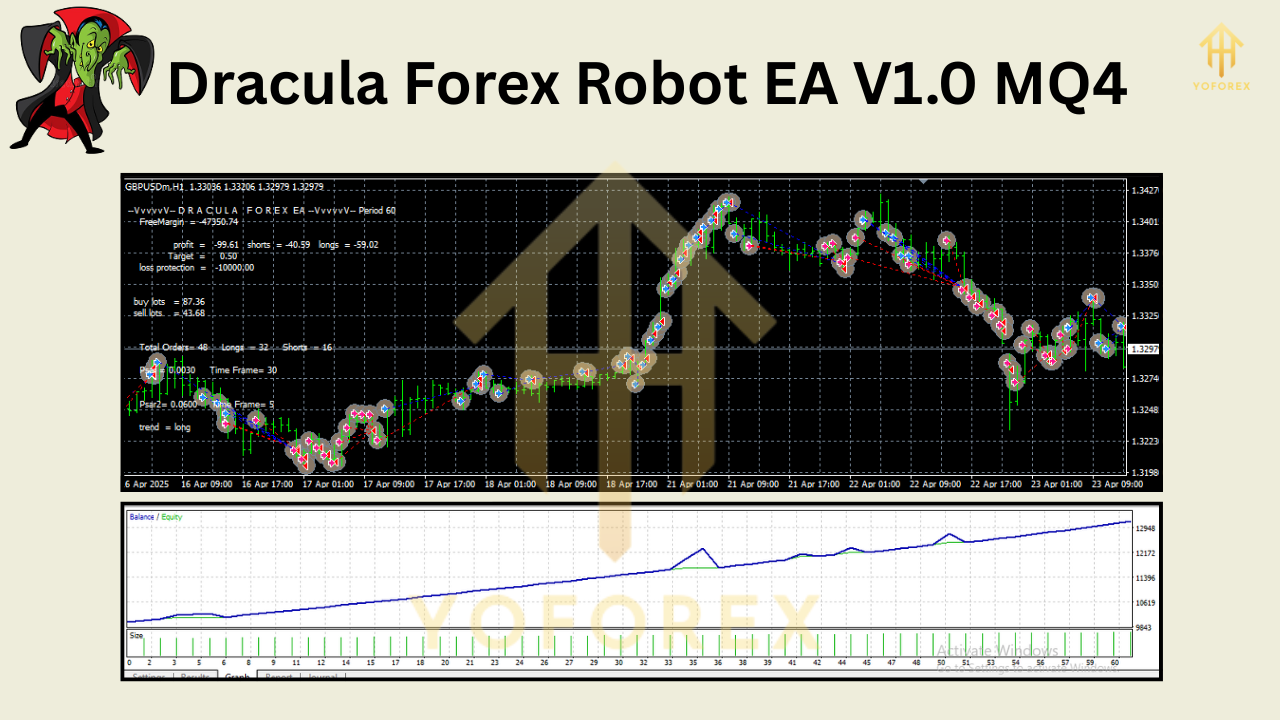
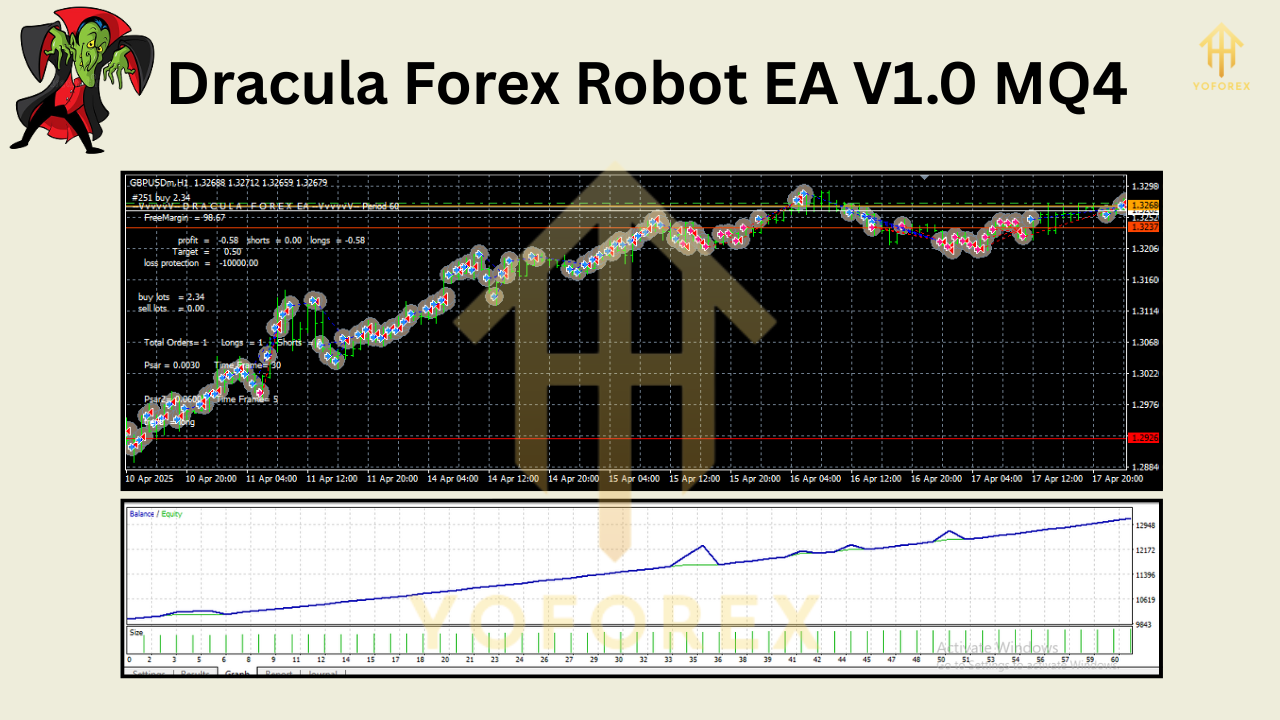
The Dracula EA is designed for low-risk trading, avoiding strategies that could lead to significant drawdowns. Its fixed Stop Loss and Take Profit levels ensure that each trade has a predefined risk-reward ratio. The EA also includes an automatic swap filter to account for overnight holding costs and a balance restoration feature to recover from drawdowns.
For optimal performance, traders should:
- Start with a demo account to familiarize themselves with the EA’s behavior.
- Monitor performance regularly and adjust parameters as needed.
- Use a minimum deposit of 100 units for single-pair trading or 50-100 units per pair for multi-pair trading.
Advantages of Dracula EA
- Automation: Executes trades without manual intervention, saving time and reducing emotional bias.
- Risk Control: Fixed Stop Loss and Take Profit levels protect against large losses.
- Flexibility: Supports multiple currency pairs and customizable settings.
- Suitability for All Traders: User-friendly for beginners yet robust enough for experienced traders.
Potential Drawbacks
- Broker Dependency: Performance depends on low spreads and fast execution, requiring a reliable ECN broker.
- Optimization Required: While default settings work for recommended pairs, optimization is needed for non-standard pairs or brokers.
- VPS Requirement: Continuous connectivity is crucial, which may involve additional costs for a VPS.
Tips for Success with Dracula EA
- Start Small: Begin with a demo account or a small deposit to test the EA’s performance.
- Focus on Recommended Pairs: Stick to EURCHF, USDCHF, EURGBP, GBPUSD, and EURUSD initially for stable results.
- Regular Monitoring: Periodically review the EA’s performance and adjust settings based on market conditions.
- Use a VPS: Ensure uninterrupted trading with a reliable VPS to avoid missed opportunities.
- Backtest Thoroughly: Use high-quality historical data to validate the EA’s performance before going live.
Conclusion
The Dracula Forex Robot EA V1.0 for MetaTrader 5 is a powerful tool for traders seeking an automated, low-risk trading solution. Its focus on major currency pairs like EURCHF, USDCHF, EURGBP, GBPUSD, and EURUSD, along with additional pairs like CADCHF, AUDCAD, EURCAD, GBPCHF, AUDUSD, AUDCHF, and NZDCHF, makes it versatile for various trading styles. With features like dynamic lot sizing, fixed Stop Loss and Take Profit levels, and compatibility with ECN accounts, it offers a balanced approach to forex trading. By following proper setup procedures, conducting thorough testing, and optimizing parameters, traders can harness the full potential of this EA to achieve consistent results. Whether you’re a beginner or a seasoned trader, the Dracula EA provides a reliable, customizable platform to navigate the forex market effectively.
Join our Telegram for the latest updates and support